

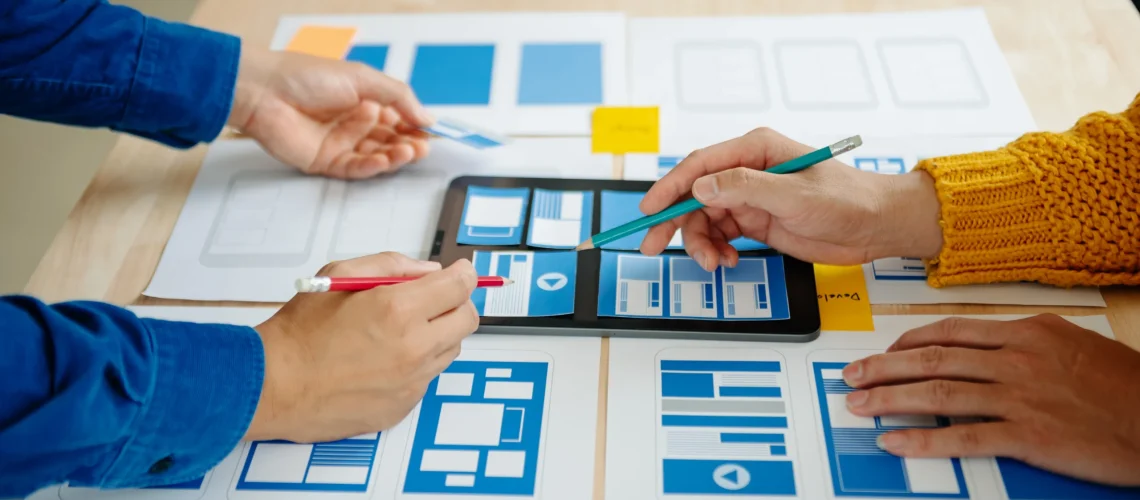
In the modern digital landscape, a website’s success depends not just on how it looks, but also on how effectively users can interact with it. This brings us to a critical concept in web development: the relationship between design and usability. While design focuses on aesthetics and visual appeal, usability ensures that users can navigate, understand, and complete tasks efficiently. Together, they create a website that is both beautiful and functional—a combination that drives engagement, conversions, and overall satisfaction.
Why Design and Usability Go Hand in Hand
Many people think of design purely in terms of color schemes, typography, and layout. However, in web development, design serves a dual purpose: it is both aesthetic and functional. A website that looks stunning but confuses users or makes navigation difficult is ultimately ineffective. Conversely, a highly usable website with poor design may fail to capture user attention or convey brand identity.
Usability refers to the ease with which users can achieve their goals on a website design . This includes intuitive navigation, accessible content, clear calls to action, and responsive layouts. When design and usability are aligned, users can find information quickly, engage with content effortlessly, and complete desired actions—whether it’s making a purchase, filling out a form, or subscribing to a newsletter.
How Design Influences Usability
The relationship between design and usability is evident in several key areas:
1. Layout and Navigation
A well-thought-out layout helps users understand the structure of a website at a glance. In web development, designers use grids, spacing, and visual hierarchy to guide users’ eyes to the most important elements. Clear menus, breadcrumbs, and search functionality ensure that visitors can navigate efficiently, reducing frustration and bounce rates.
2. Visual Hierarchy
Design elements like size, color, contrast, and positioning create a visual hierarchy that communicates importance. For instance, a large, brightly colored button draws attention to a call-to-action, while subtle text indicates secondary information. Proper visual hierarchy improves usability by signaling what users should focus on first.
3. Typography and Readability
Readable fonts and appropriate text sizes are essential for usability. Poor typography can make content difficult to read, causing users to leave the site. Designers in webdevelopment carefully choose typefaces, line spacing, and contrast to ensure that content is accessible across all devices.
4. Responsiveness and Mobile Design
With the growing use of smartphones and tablets, responsive design has become crucial. Design decisions that consider various screen sizes and resolutions directly impact usability. Elements like touch-friendly buttons, flexible images, and adaptive layouts ensure that users can interact with the website comfortably on any device.
5. Feedback and Interaction
Interactive design elements, such as hover effects, animations, and form validation, improve usability by providing feedback to users. When a user clicks a button, for example, visual feedback confirms that the action has been recognized, creating a smoother experience and reinforcing trust in the website.
Best Practices for Integrating Design and Usability
To maximize the synergy between design and usability in web development, several best practices should be followed:
Keep it Simple: Avoid cluttered layouts and excessive visual effects. Simplicity enhances usability and allows design to support content rather than overshadow it.
Consistency: Maintain a consistent design language across all pages, including colors, fonts, and iconography, to help users navigate intuitively.
Accessibility: Ensure that your design accommodates all users, including those with disabilities, by adhering to accessibility standards such as WCAG.
Test with Real Users: Conduct usability testing to identify pain points and areas for improvement. Feedback from actual users is invaluable in refining both design and functionality.
Prioritize Performance: A visually rich website is only effective if it loads quickly. Optimized images, clean code, and efficient web development practices ensure that design enhancements do not compromise usability.
The Business Impact of Good Design and Usability
Investing in the relationship between design and usability delivers measurable benefits. A website that is both visually appealing and easy to use builds credibility, increases engagement, and drives conversions. Users are more likely to stay longer, explore multiple pages, and complete desired actions when design and usability work together harmoniously.
From a business perspective, aligning design and usability can reduce support requests, improve customer satisfaction, and enhance brand loyalty. In web development, this approach ensures that the website is not only a digital showcase but also a practical tool for achieving business objectives.


