

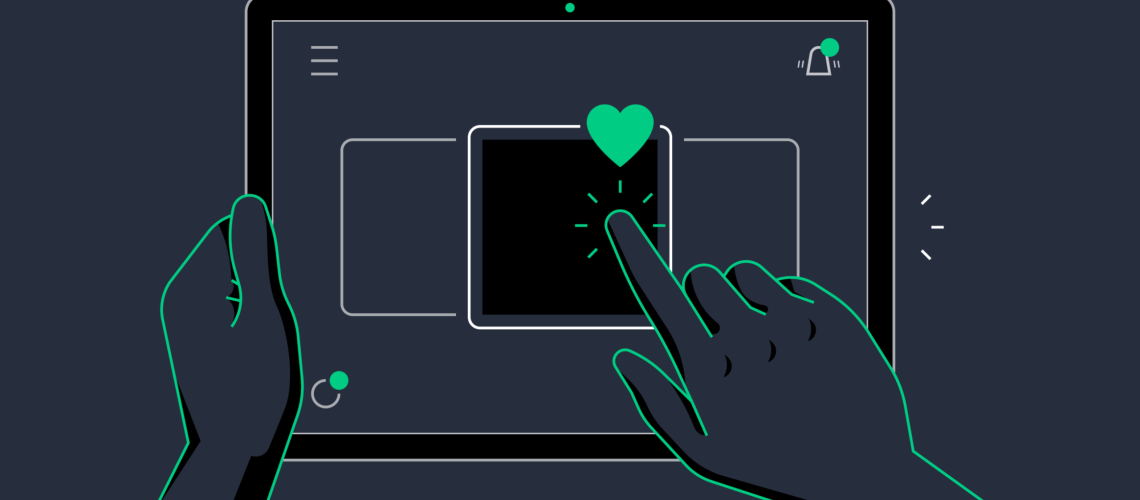
In modern digital product design, user experience (UX) is no longer just about clean layouts and fast performance. It is also about how users feel while interacting with an application. One of the most powerful yet often overlooked elements that shape this experience is micro-interactions.
Micro-interactions are small, subtle animations or responses that occur when a user interacts with an interface—such as clicking a button, liking a post, receiving a notification, or pulling to refresh. Though they may seem minor, they play a major role in improving usability, engagement, and overall satisfaction.
In this article, we explore why micro-interactions improve UX and why they are essential in modern digital product design.
What Are Micro-Interactions?
Micro-interactions are contained product moments that revolve around a single task. They are designed to:
- Provide feedback
- Communicate status
- Guide users
- Enhance interaction flow
Common examples include:
- A heart animation when liking a post
- A loading spinner during data processing
- Button color changes on click
- Swipe-to-refresh animations
- Password strength indicators
These small details make digital experiences feel more human and intuitive.
1. They Provide Instant Feedback
One of the most important reasons micro-interactions improve UX is that they provide immediate feedback. When users perform an action, they want to know whether it was successful.
For example:
- Clicking a button that changes color confirms the action was registered
- A vibration or animation shows that something is happening
Without feedback, users may feel uncertain and repeat actions unnecessarily, leading to confusion or errors. Micro-interactions eliminate this uncertainty by confirming every interaction.
2. They Improve User Engagement
Micro-interactions make apps more engaging by adding a layer of delight to everyday actions. Even simple animations can make an experience feel more enjoyable and rewarding.
For instance:
- A playful animation when completing a task
- A smooth transition between screens
- A visual celebration after achieving a goal
These small moments create emotional connections between users and the product. As a result, users are more likely to return and interact with the app frequently.
3. They Guide User Behavior
Good UX design is not just about aesthetics—it is about guiding users toward the right actions. Micro-interactions act as subtle visual cues that help users understand what to do next.
Examples include:
- Highlighting a button when it is ready to be clicked
- Showing a tooltip animation for new features
- Indicating form errors with shaking input fields
These cues reduce confusion and help users navigate the interface without needing additional instructions.
4. They Make Interfaces Feel More Human
Digital interfaces can often feel cold or mechanical. Micro-interactions help bridge this gap by adding personality and emotion to the experience.
For example:
- A smooth bounce effect when toggling a switch
- A friendly animation when a task is completed
- Subtle motion effects that mimic real-world behavior
These interactions make the app feel more natural and relatable, improving emotional engagement with users.
5. They Reduce Cognitive Load
Cognitive load refers to the mental effort required to use a system. When interfaces are complex or unclear, users need to think more, which can lead to frustration.
Micro-interactions help reduce this burden by:
- Providing visual clarity
- Confirming actions instantly
- Highlighting important changes
- Simplifying decision-making
When users do not have to guess what is happening, the experience becomes smoother and more intuitive.
6. They Improve Error Prevention and Recovery
Errors are common in digital interactions, but micro-interactions can help prevent them or guide users in fixing them quickly.
For example:
- Real-time form validation shows errors as users type
- Shake animations highlight incorrect input fields
- Color changes indicate missing or invalid data
These small cues allow users to correct mistakes immediately instead of submitting a full form and starting over.
7. They Enhance Perceived Performance
Even when an app takes time to load, micro-interactions can improve how fast it feels. Loading animations, progress indicators, and skeleton screens keep users engaged while they wait.
Instead of seeing a blank screen, users see movement or progress, which reduces frustration and improves perceived speed. This is especially important in mobile apps where attention spans are short.
8. They Strengthen Brand Identity
Micro-interactions also play a role in reinforcing brand identity. Unique animations and interaction styles can make an app more recognizable and memorable.
For example:
- A specific bounce style for buttons
- A signature loading animation
- Consistent motion design across the app
These details create a cohesive experience that users associate with the brand, helping it stand out in a competitive market.
9. They Encourage User Retention
A smooth and enjoyable user experience increases the chances of users returning to the app. Micro-interactions contribute to this by making interactions more satisfying and less frustrating.
When users enjoy using an app, they are more likely to:
- Spend more time on it
- Explore additional features
- Return regularly
This improves overall retention rates and long-term engagement.
10. They Create a Sense of Completion
Micro-interactions provide a sense of accomplishment, especially when users complete tasks. Whether it is submitting a form, finishing a purchase, or completing a profile, small animations reinforce success.
This sense of completion improves user satisfaction and motivates users to continue interacting with the app.
Understanding why micro-interactions improve UX is essential for modern designers and developers. These small but powerful design elements enhance feedback, improve usability, reduce confusion, and create emotional connections with users.
While they may seem minor individually, together they significantly elevate the overall user experience. A well-designed app is not just functional—it feels alive, responsive, and intuitive. Micro-interactions are a key reason why.
By thoughtfully integrating them into digital products, businesses can create more engaging, efficient, and user-friendly experiences that stand out in today’s competitive digital landscape.


